Check flight turbulence before takeoff
Use an internet connection before the flight to consult or download the turbulence forecast available for your route.
 SteadySky
Turbulence before takeoff. Flight data in the cabin.
Check route turbulence before takeoff. In the cabin, follow GPS position, altitude, speed and route offline, with a local seat-level movement estimate from your phone sensors.
Illustration. Example values, not live data.
Forecasts and sensor estimates are informational and recreational. SteadySky never replaces the crew, official instruments or flight-safety information.
Before and during your flight
SteadySky brings turbulence forecasts, offline flight tracking and real in-flight measurements into one clear passenger view.
Use an internet connection before the flight to consult or download the turbulence forecast available for your route.
During the flight, GPS flight tracking and offline maps can monitor altitude, speed and route according to the app, device and available GPS signal.
Real in-flight turbulence measurement uses phone sensors and depends on the device and its placement. SteadySky can support nervous flyers, but never replaces crew, airline or aeronautical information.
For fear of flying
Turbulence is often frightening because passengers cannot see what is happening. SteadySky turns the flight into readable context: where you are, how fast you are moving, how high you are, what the route looks like, and how cabin movement compares with the forecast.
A seat turbulence index, peak g and RMS values help separate a sensation from a measurable event.
Maps, ETA and arrival distance replace "how much longer?" with a visible path forward.
The core tracker works in airplane mode with local GPS, so the calm data is available when the cabin is offline.
Before, during and after the flight
SteadySky combines offline tracking, route intelligence and turbulence awareness in one Android app.
Track speed, altitude, heading, distance, climb and descent with the phone GNSS sensor, even in airplane mode.
A glass-cockpit instrument driven by your GPS: attitude, speed and altitude tapes, vertical speed and heading, with optional aviation units (kt, ft, NM).
Check turbulence along an estimated route using upper-air forecasts from an external weather service, NOAA AWC PIREP reports and SIGMET advisories.
Use the accelerometer for a seat-level turbulence estimate with index, peak g and RMS values.
A world base map is included. MapLibre, PMTiles/MBTiles support and radar fallback keep the route visible.
Search more than 4,000 airports by city, name or IATA code, then follow ETA and arrival distance.
View AGL on approach, outside air temperature calibrated with real ground weather, satellites, point quality and every key flight value.
A foreground service keeps tracking active in the background, with a rich notification showing your live flight status.
Save sessions locally, review the track, and export flight data as GPX, CSV or JSON.
No app account. GPS sessions stay on the device; app usage analytics are inactive.
New in the app
The Flight Display turns your phone into a passenger PFD: an attitude indicator, speed and altitude tapes, vertical speed and heading — all driven live by the phone's GPS, fully offline.
The app turns raw sensors and public aviation weather into readable values that help you understand the flight from your seat.
Actual app screens
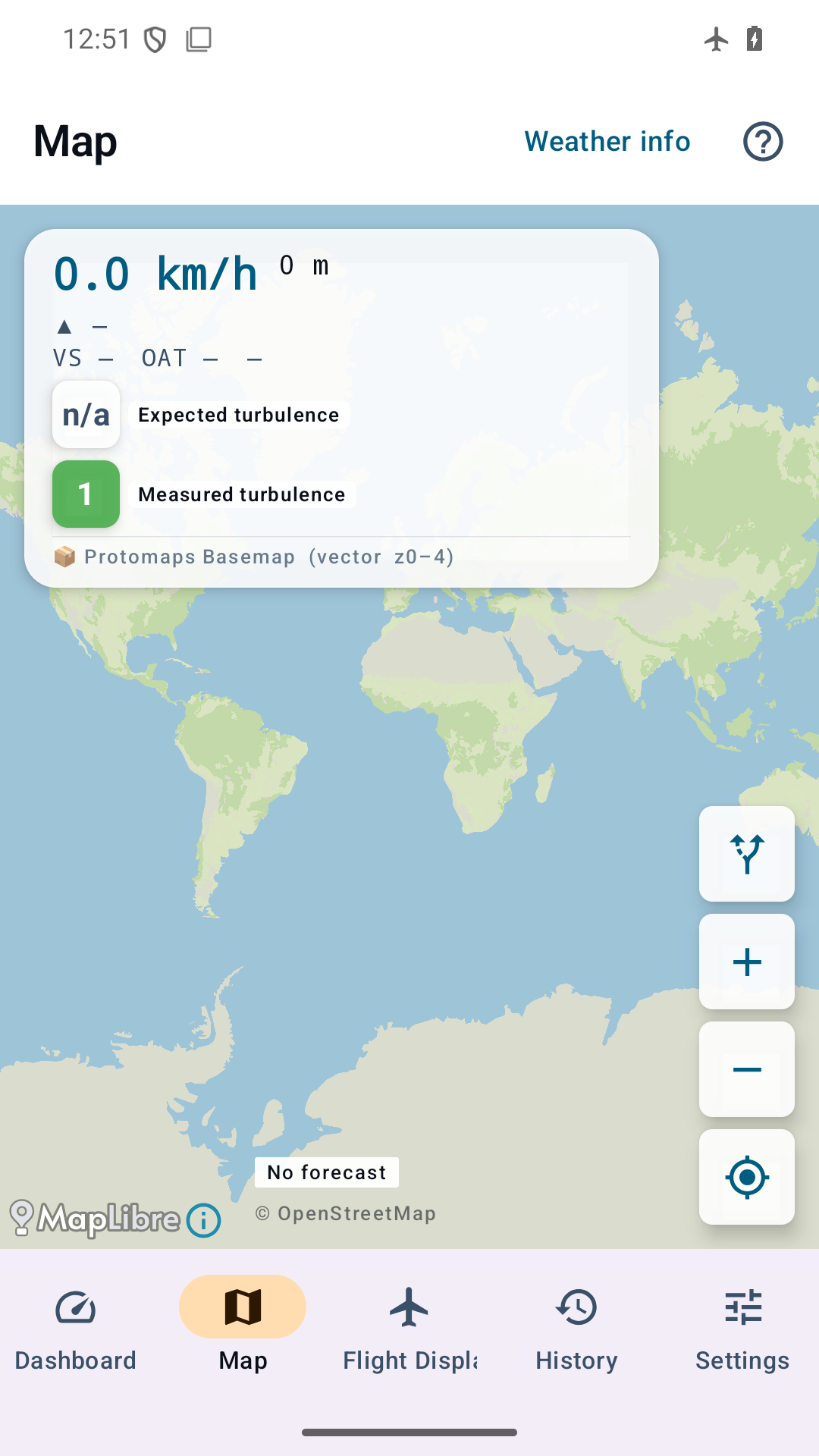
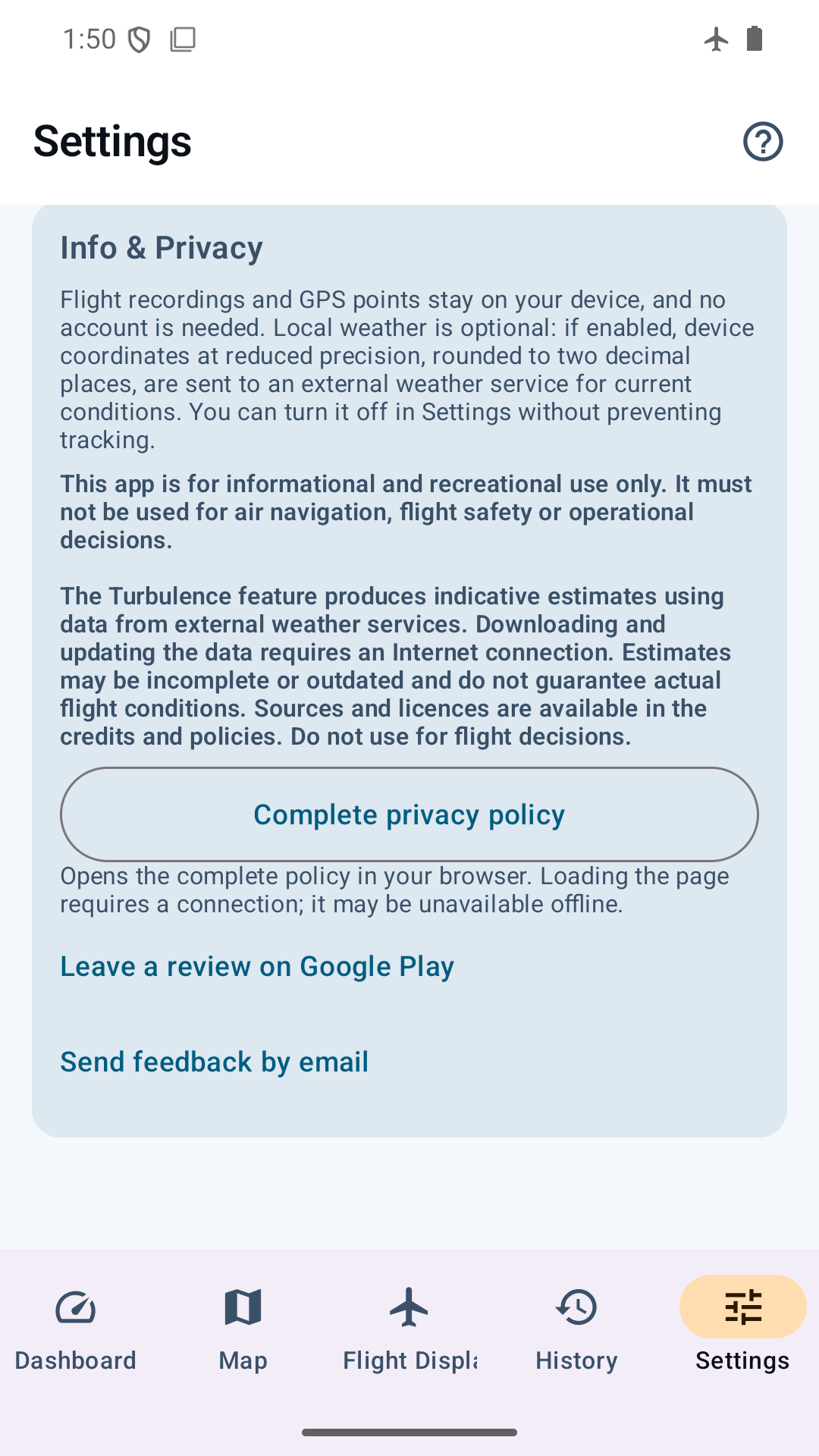
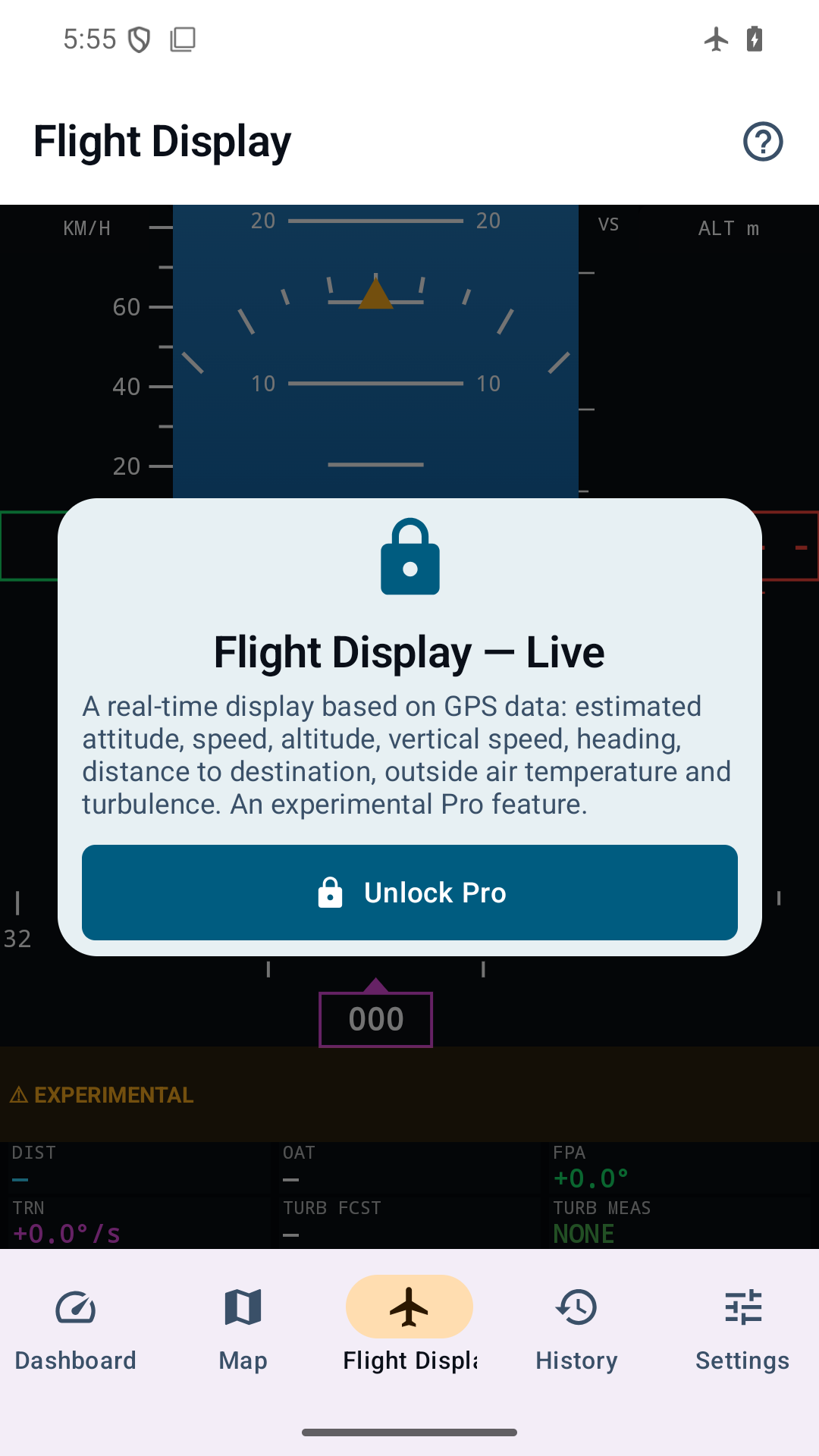
Start with the core passenger experience, then unlock deeper forecast, history and export tools with Pro.
Privacy and data sources
GPS flight recording stays on your device. Route searches and separately enabled local weather use external services; Google Play handles purchases and its own technical diagnostics. See the privacy policy for version-specific controls and provider data.
Read the privacy policyNo. SteadySky is informational and recreational. It must not be used for aeronautical navigation, flight safety or operational decisions.
Yes, if the phone keeps system location enabled. GPS fix can take a few minutes in the cabin and usually works best near a window.
Yes. Forecast, PIREP, SIGMET and weather data come from public online services. The core GPS tracker remains offline.
English, Italian, French, German, Spanish, Russian and Chinese are available in the Android interface.
A passenger-style primary flight display (PFD) rendered from your phone's GPS: attitude, speed and altitude tapes, vertical speed and heading. It works fully offline, can switch to aviation units (kt, ft, NM) and is a Pro feature, currently marked experimental.
Yes. Choose Metric, Aviation or Imperial during setup and change it later in Settings. The selected system applies across SteadySky.
Now on Google Play
GET IT ONGoogle Play